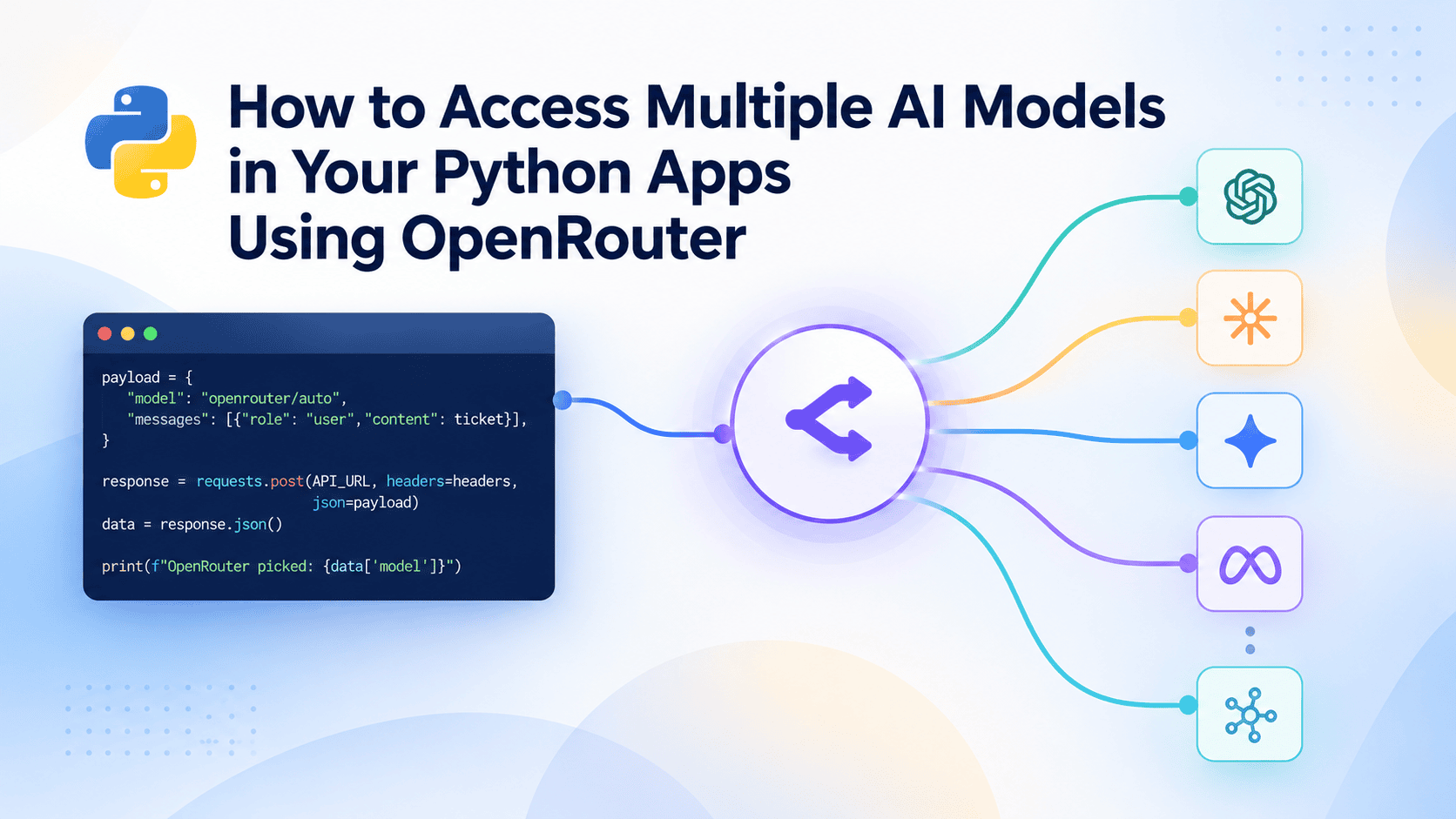
Learn how to get started with the OpenRouter API to call multiple AI models through one API, compare responses, switch models, and set up automatic fallbacks.
Introduction #
Say you're building a support-ticket assistant, and you want to compare how GPT, Claude, and Llama each handle the same customer message before picking one. Normally that means signing up with three separate providers, learning three different authentication schemes, and rewriting your request code three times just to run one comparison.
OpenRouter removes that repetition. It sits in front of dozens of providers and exposes them through a single API, so switching from one model to another is a one-line change instead of a new integration. Your Python code stays exactly the same regardless of which provider is actually answering the request. This article covers:
- Creating an OpenRouter account and getting an API key
- Sending your first request to a model with plain Python and requests
- Switching models by changing a single string, with no other code changes
- Letting OpenRouter pick a model automatically, and adding backup models for reliability
We'll build this up one small script at a time, starting with the account setup.
Prerequisites #
You don't need any AI or machine learning background to follow along. You do, however, need to be comfortable with basic Python, installing packages with pip, and setting an environment variable in your terminal. OpenRouter handles the model integration, so your code only sends text and reads the response.
Creating an OpenRouter Account and API Key #
Go to OpenRouter and create a free account. Once you're signed in, open the Keys section from your account menu and generate a new API key. Give it a name you'll recognize later, like learning-key, and leave the other settings on their defaults.
Copy the key somewhere safe. Store it as an environment variable so it never ends up committed to a repository by accident.
On macOS or Linux:
export OPENROUTER_API_KEY="your-key-here"
TL;DR: Some models on OpenRouter are free to try, so you can follow this entire tutorial without adding a payment method.
More on the why and how: OpenRouter marks certain models with a :free suffix; these route to fully free-to-use versions, with no payment method required. Every example in this tutorial uses one of these, so you can run all of it at zero cost. If a model ID in this tutorial stops responding by the time you read it, check the current list at openrouter.ai/models filtered to free, or swap in openrouter/free, which we'll cover below and which always resolves to whichever free model is currently available.
Setting Up Your Project #
Create a folder for the project and a virtual environment inside it:
mkdir support-bot-demo
cd support-bot-demo
python -m venv .venv
source .venv/bin/activate
With the environment active, install requests. It is the only dependency you need. OpenRouter is a plain HTTP API, so there's no special software development kit (SDK) required to get started:
pip install requests
Note: OpenRouter does have an official SDK too. You can install openrouter with pip, which provides typed client objects instead of raw dictionaries.
This tutorial only uses requests so every request stays visible as plain JSON, making it easier to see exactly what is being sent and received while you're still learning how the API is shaped. Once you get the hang of it, moving to the SDK later is a small change.
Sending Your First Request to a Model #
Every request to OpenRouter looks the same regardless of which model answers it: a POST request to one endpoint, with your API key in the headers and a list of messages in the body. Here's a script that sends a customer support message to a model and prints the reply:
import os
import requests

API_URL = "https://openrouter.ai/api/v1/chat/completions"
API_KEY = os.getenv("OPENROUTER_API_KEY")

customer_message = (
    "My order #48213 arrived with the wrong charger. "
    "I need the correct one before Friday, can you help?"
)

payload = {
    "model": "meta-llama/llama-3.2-3b-instruct:free",
    "messages": [
        {"role": "system", "content": "You are a concise, polite customer support agent."},
        {"role": "user", "content": customer_message},
    ],
}

headers = {
    "Authorization": f"Bearer {API_KEY}",
    "Content-Type": "application/json",
}

response = requests.post(API_URL, headers=headers, json=payload)
data = response.json()

print(f"Model used: {data['model']}")
print(f"Reply: {data['choices'][0]['message']['content']}")
The payload dictionary is the entire request: model tells OpenRouter which model to use, written as provider/model-name, and messages follows the same role/content format you'd use with any chat-style model.
The system message sets the tone once, and the user message is the actual ticket text. The response comes back as JSON, and the reply text is in data["choices"][0]["message"]["content"] — the same shape you'd get from most chat completion APIs, since OpenRouter normalizes every provider's response into the same OpenAI-compatible format.
Switching Models Without Changing Your Code #
Since the model is just a string in the payload, comparing providers means changing one line. Here's a small function that takes the model name as an argument, so you can call it with different models back to back:
def ask_model(model_name, message):
    payload = {
        "model": model_name,
        "messages": [
            {"role": "system", "content": "You are a concise, polite customer support agent."},
            {"role": "user", "content": message},
        ],
    }
    response = requests.post(API_URL, headers=headers, json=payload)
    return response.json()

ticket = "My order #48213 arrived with the wrong charger. I need the correct one before Friday."

for model in ["meta-llama/llama-3.2-3b-instruct:free", "qwen/qwen3-4b:free", "mistralai/mistral-7b-instruct:free"]:
    result = ask_model(model, ticket)
    reply = result["choices"][0]["message"]["content"]
    print(f"--- {model} ---")
    print(reply, "\n")
ask_model is the same request logic from the first script (it reuses API_URL and headers from there), only wrapped so model_name is a parameter instead of a hardcoded value. The loop calls it three times with three different models and prints each reply next to the model that produced it. This is the core benefit of OpenRouter in practice: you're calling one function three times instead of working with three different APIs.
Letting OpenRouter Pick a Free Model for You #
Sometimes you don't care which specific model answers; you just want a working reply without picking one yourself, and without any risk of a paid model slipping in. Setting model to openrouter/free hands that decision to OpenRouter's Free Models Router, which always selects from currently available free models:
payload = {
    "model": "openrouter/free",
    "messages": [{"role": "user", "content": ticket}],
}
response = requests.post(API_URL, headers=headers, json=payload)
data = response.json()

print(f"OpenRouter picked: {data['model']}")
This is the safest default for prototyping: no matter which free model happens to be available that day, you're never charged. It's a different setting from openrouter/auto, which picks whatever model best fits the prompt and can include paid ones.
Separately, when you do specify a model by name, OpenRouter often has more than one provider hosting it, and you can choose which one it uses with a provider field. For example, set payload["provider"] = {"sort": "price"} to favor the cheapest provider, or {"sort": "latency"} to favor the fastest one. This matters most once you're working with paid models at real volume; it has little effect on :free models, since there's no per-token cost to optimize against in the first place.
Adding Fallback Models for Reliability #
A single model can fail due to a provider outage, a rate limit, a content filter rejecting the request, and much more. For anything beyond a super small side project, you want a backup ready automatically instead of your app crashing on the first failure. OpenRouter supports this by accepting a list of models instead of one:
payload = {
    "models": [
        "qwen/qwen3-4b:free",
        "meta-llama/llama-3.2-3b-instruct:free",
        "mistralai/mistral-7b-instruct:free",
    ],
    "messages": [{"role": "user", "content": ticket}],
}
response = requests.post(API_URL, headers=headers, json=payload)
data = response.json()

print(f"Answered by: {data['model']}")
print(data["choices"][0]["message"]["content"])
Notice the key changed from model (singular) to models (a list). OpenRouter tries each entry in order and returns the first one that succeeds, so your code doesn't need any retry logic of its own. Order the list by what best suits your app, for example the highest quality first with cheaper backups, or the fastest first with more reliable backups further down.
Wrapping Up #
Here's an overview of everything we've covered in this introductory article and when you'd use each:
| Feature | What It Does | When To Use It |
|---|---|---|
A single model string with a :free tag |
Targets one specific free model by name | When you need a predictable model with zero cost |
Swapping the model value |
Lets you compare models with no other code changes | When testing which model fits your use case best |
"model": "openrouter/free" |
Lets OpenRouter pick any available free model for you | Quick prototyping with a guaranteed-zero-cost default |
"provider": {"sort": "price"} or{"sort": "latency"} |
Picks a provider for your chosen model based on cost or speed | Working with paid models at a considerable volume |
"models": [...] (a list) |
Tries each model in order until one succeeds | Apps that need to stay up if one model fails |
With these basics, you can build anything from a quick one-off script to a support bot that stays online even when a single provider goes down.
As always, here are a couple of resources for further reading:
Keep exploring!
Bala Priya is a developer, educator, and technical writer based in India. She writes about programming, data science, machine learning, and AI, with a focus on making complex technical ideas practical and approachable. She creates tutorials, how-to guides, and deep dives that help developers build, solve problems, and understand complex technical concepts. Her technical interests include LLM applications, agentic AI, graph algorithms, computer vision, explainable AI, and ML systems. When she’s not writing or coding, Bala is usually reading classic literature, epic fantasy, or speculative fiction... with a cup of coffee close by. She also enjoys talking about books, learning new things, and sharing what she learns with the developer community.